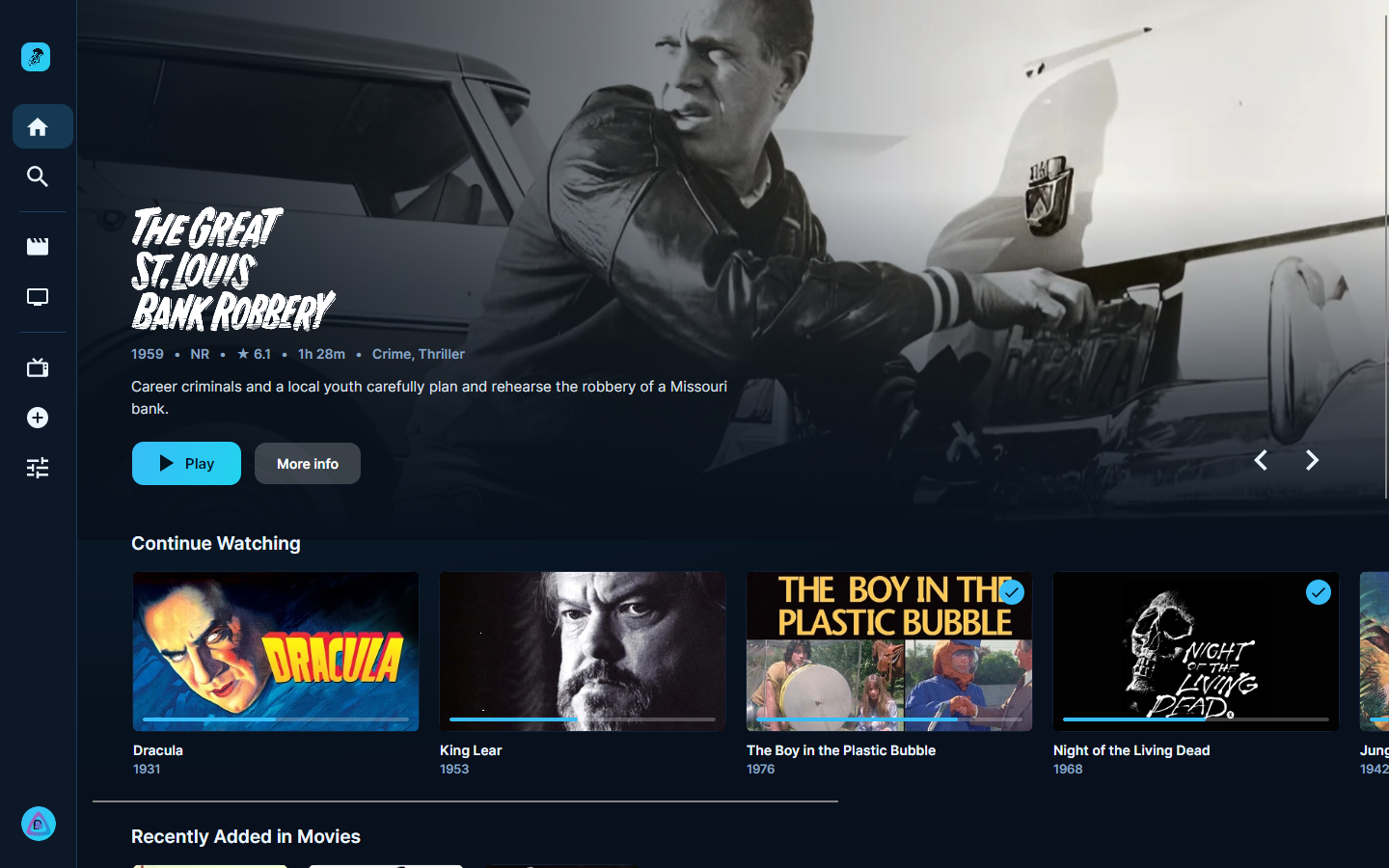
On the TV, install Downloader (by AFTVnews) from the Play Store.
Allow it to install apps: Settings → Apps → Security & restrictions → Unknown sources, turn on Downloader.
In Downloader, enter this address: github.com/devall96/Nettle/releases/latest/download/Nettle-AndroidTV.apk, then Install.
Later versions install from Settings → Updates in Nettle.
These are the only files you need. The release page on GitHub also lists files ending in .nupkg, .json and RELEASES: Nettle's built-in updater reads those, so you can ignore them.
Original quality, alwaysDirect play of the original file. 4K, HDR10, Dolby Vision, Atmos and DTS go out as they are.
Live TV like cableA full guide, channel surfing and a tuning screen, with NostalgiaTV.
Private by designNo analytics or crash reporting. Nettle only connects to the servers you set up.
Same app everywhereWindows, Linux and Android TV share one version and the same features.