Clear Skies

Cemu's Clarity, back in Hyrule.

An add-on for Savage Wind Recomp that brings over Cemu's Clarity look with all 20 presets: less haze, less blown-out bloom, richer colour. Not a single Savage Wind file is changed.

Download GitHub
Newest version: see the release page

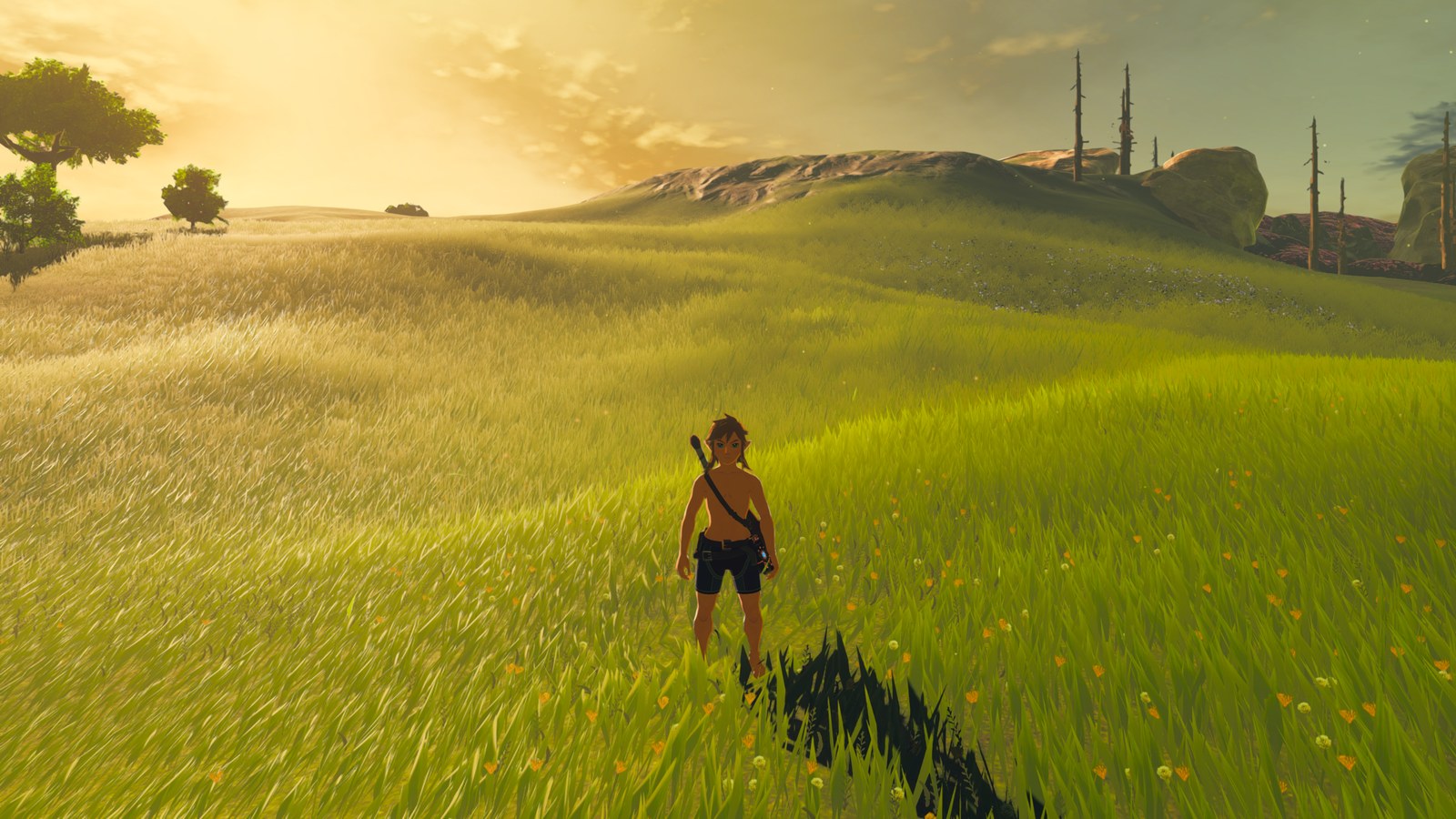
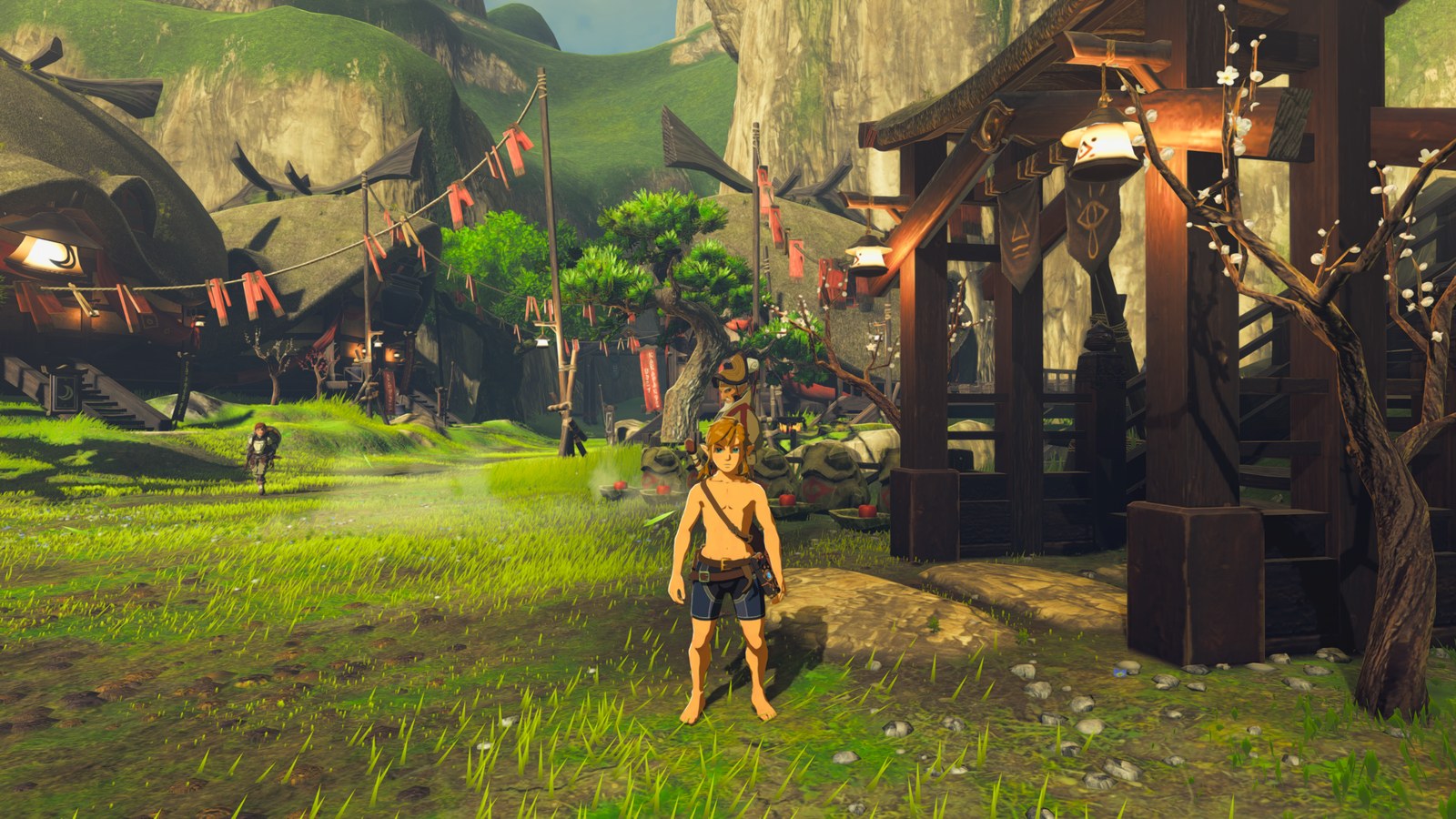
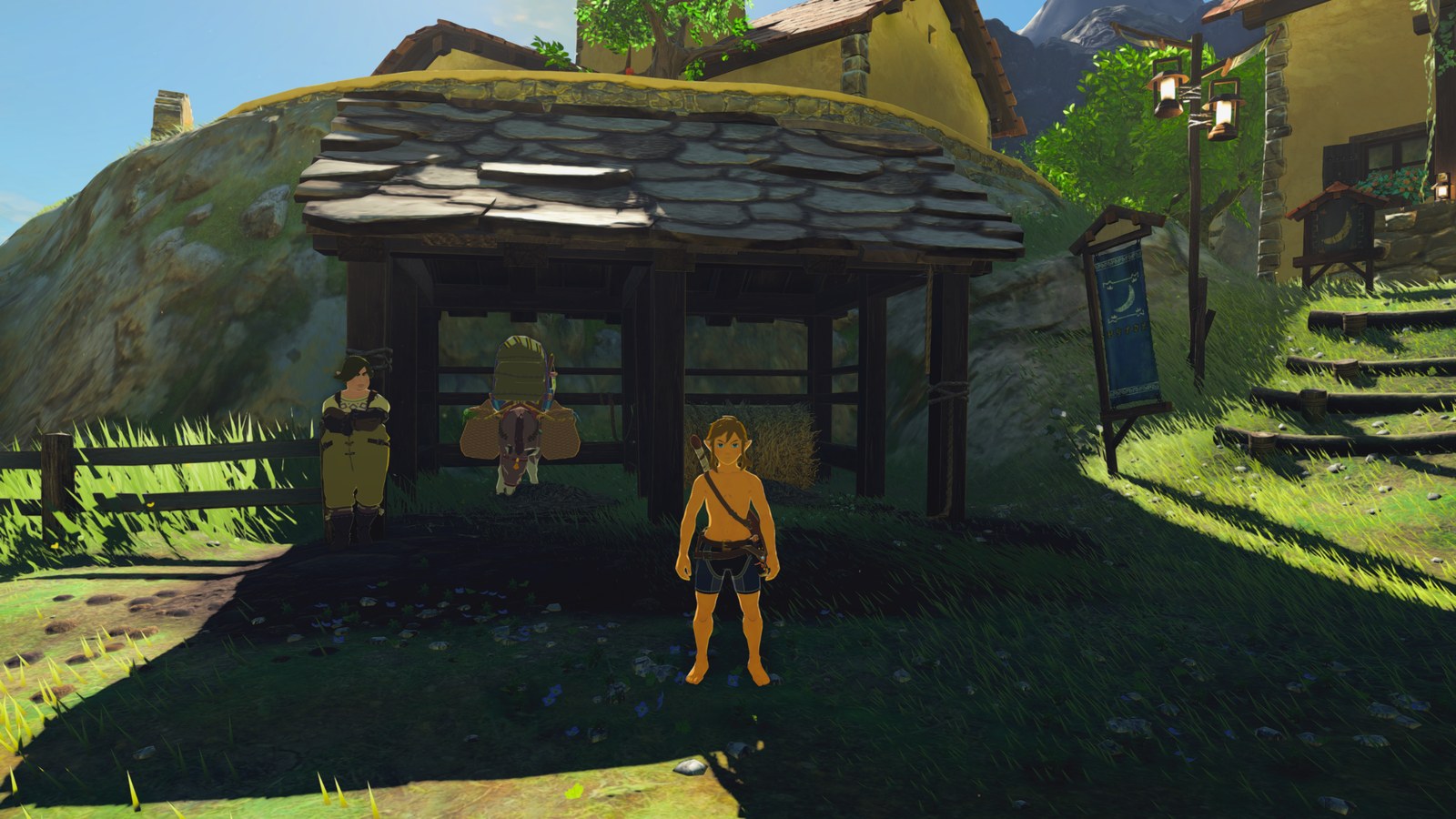
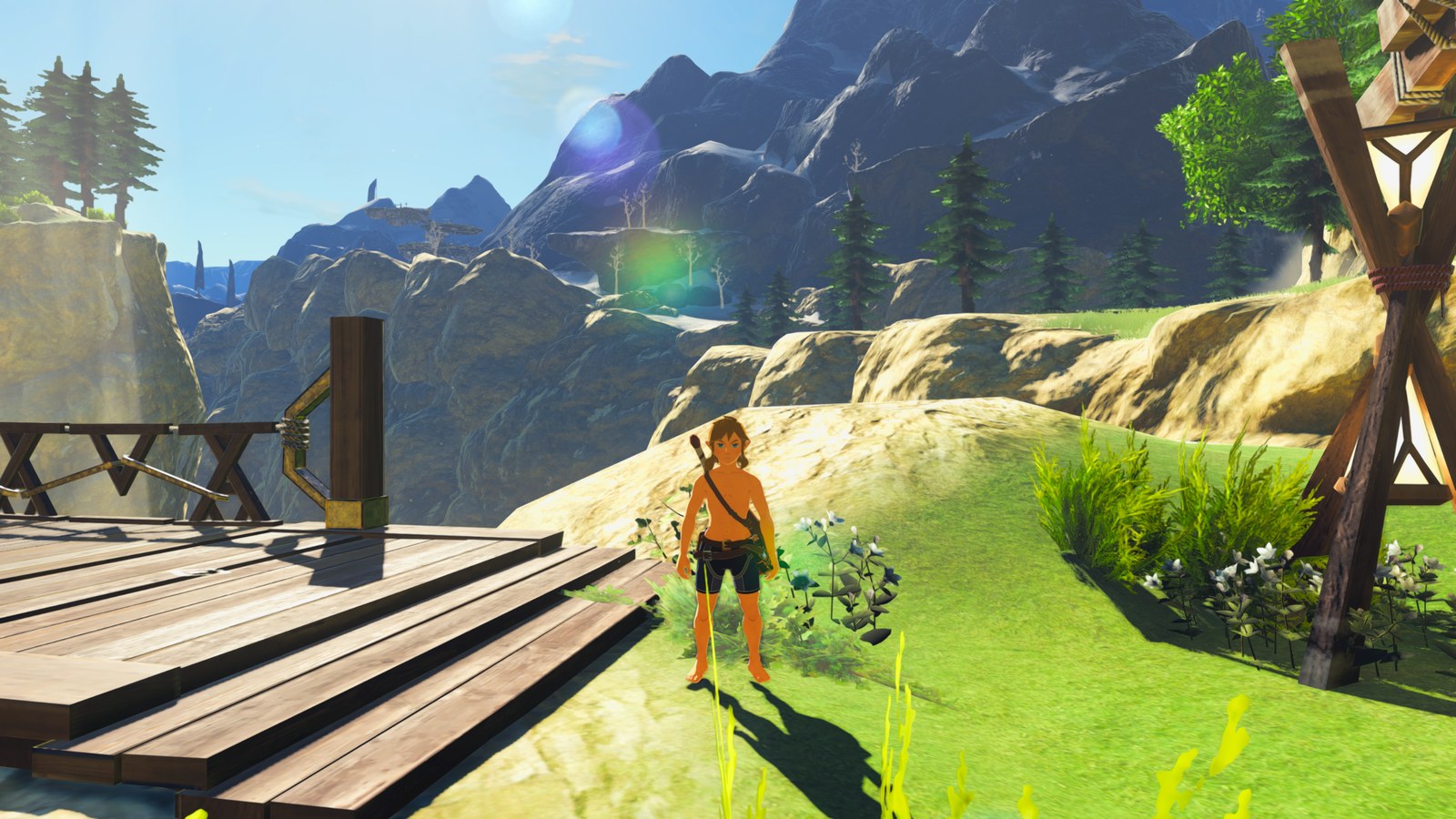
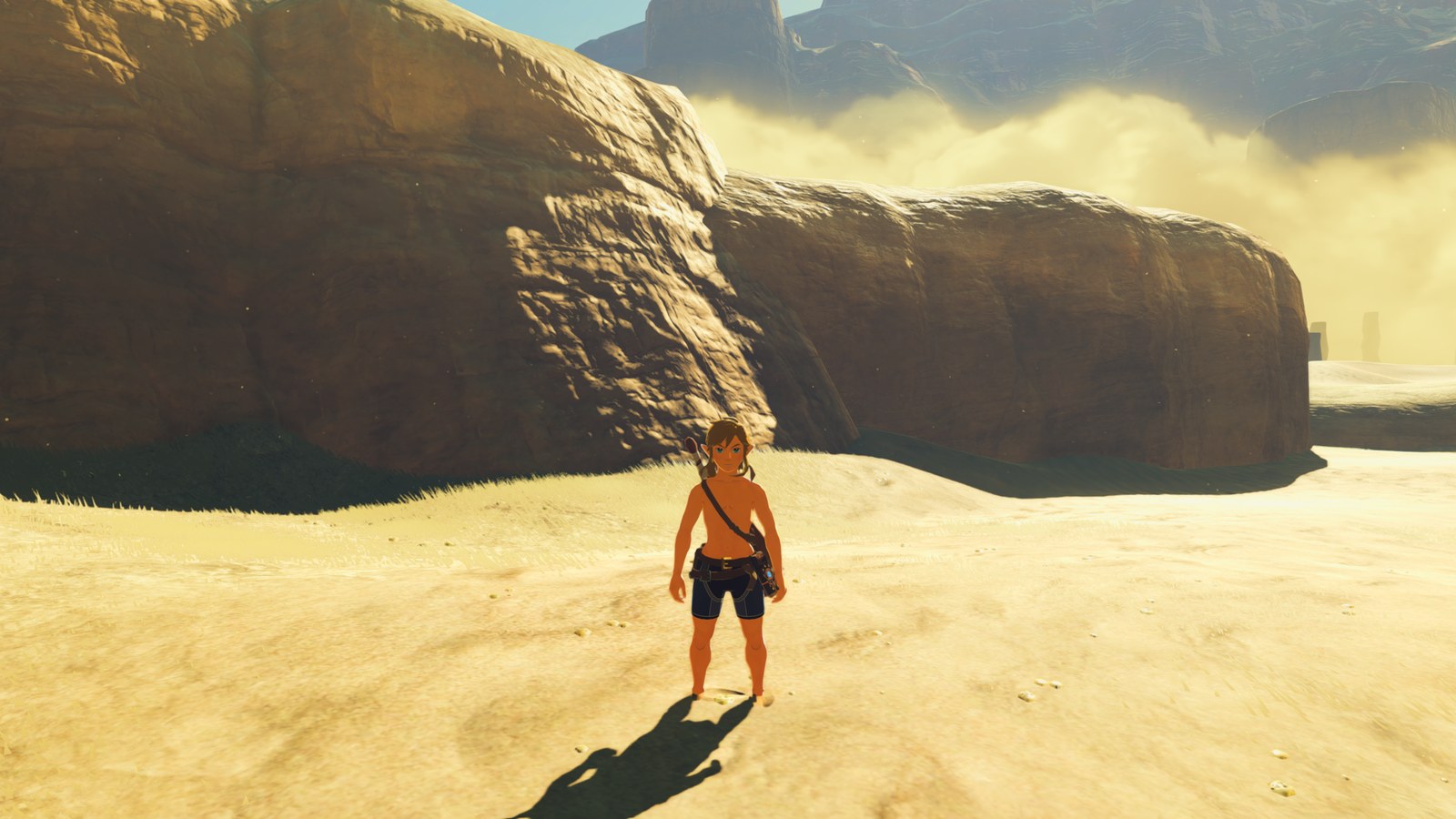
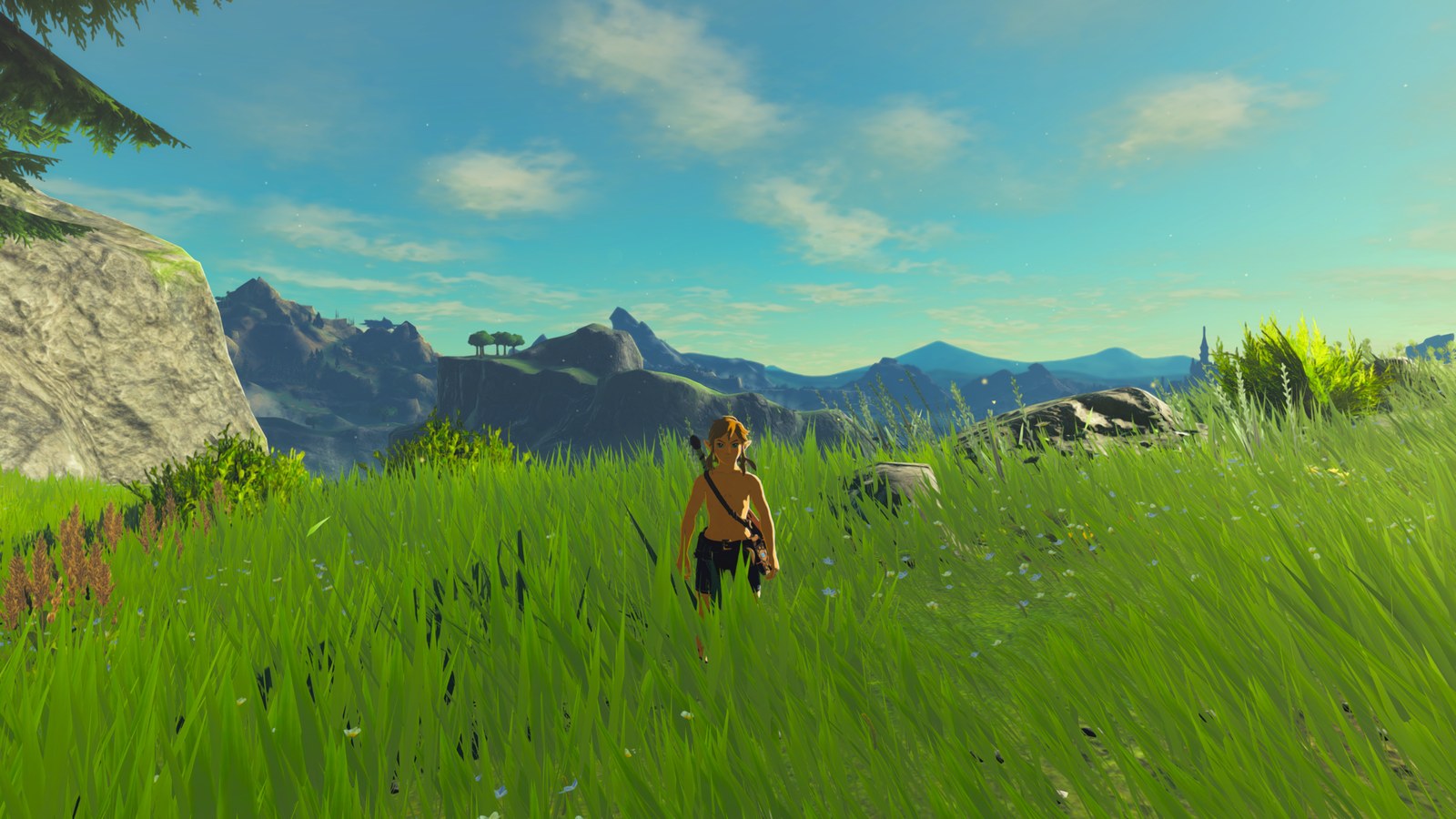
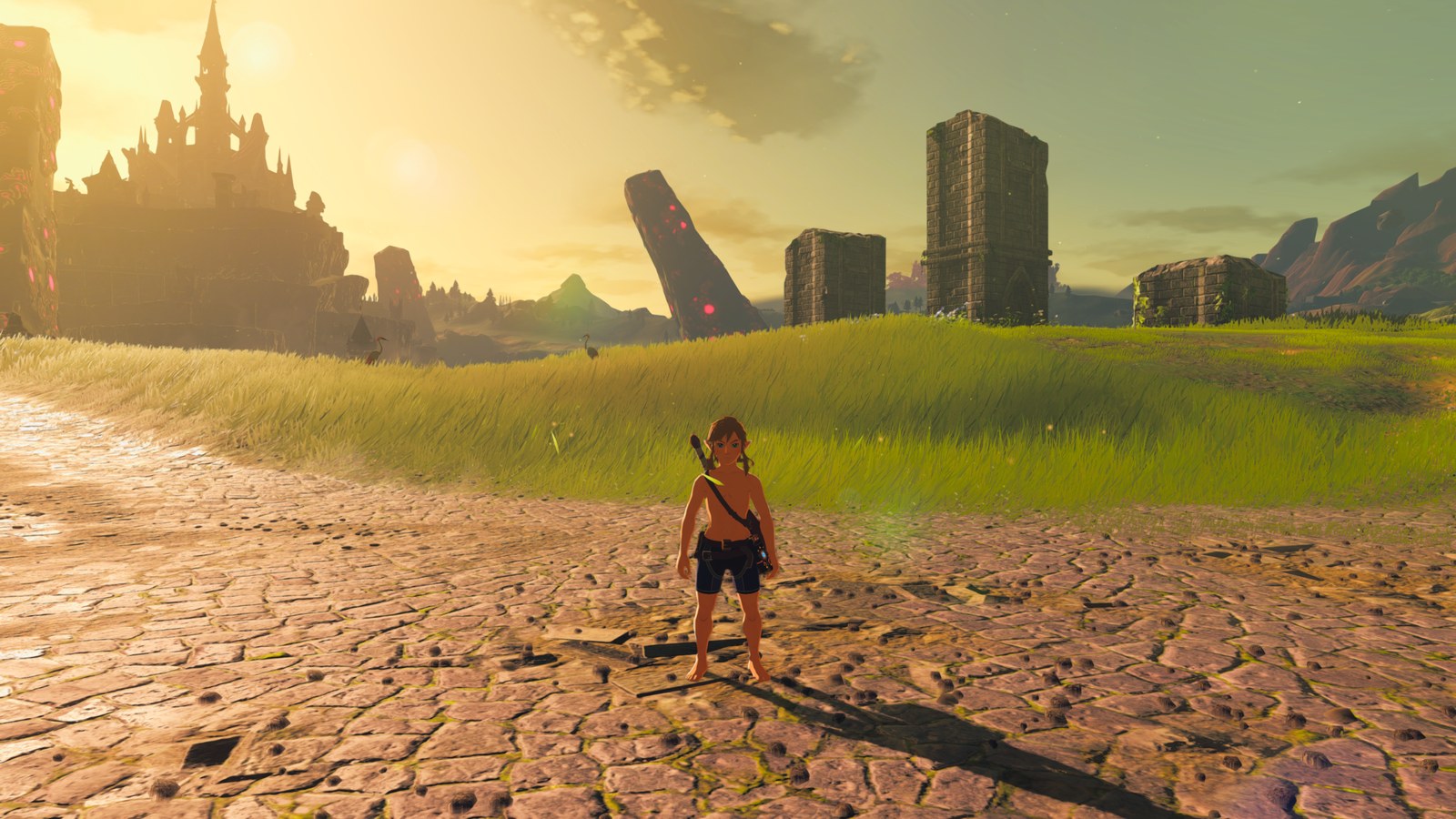
What Clarity looks like

Serfrost's preset, Clarity's recommended look. Nineteen more ship with it, from Filmic to Survival of the Wild, and all 65 of Clarity's settings can be tuned on top.

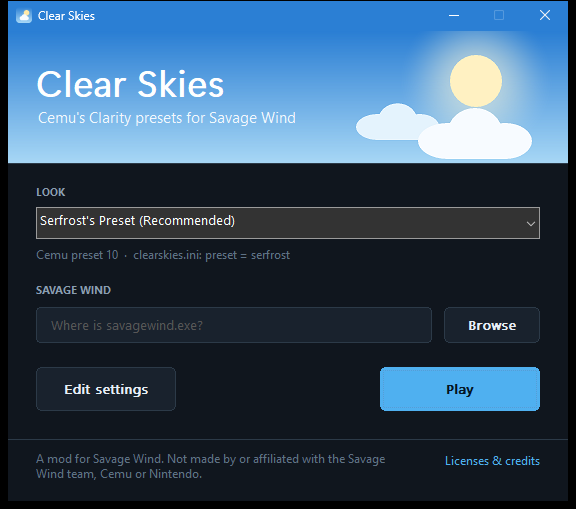
The Clear Skies launcher: choose a look, point it at savagewind.exe, press Play

Pick a look, press Play

A small launcher starts Savage Wind with Clarity switched on for that one run. To try another preset, choose it and press Play again.

  • 20 presets, 65 settingsEvery preset from Cemu's pack, and every Clarity setting adjustable on top, with the same names as in Cemu.
  • Your game stays untouchedClear Skies runs as a Vulkan layer for the game it starts, and only replaces one shader on its way to your graphics card.

No game files, ever. Not in the download, the issues or the wiki. Please don't post game files, dumps, keys or an installed copy.

Early, tested on one PC (AMD RX 9070 XT, HDR off). Linux tested on Ubuntu 26.04 LTS: works fine in short testing. NVIDIA, Intel, HDR, other Linux and Steam Deck reports are very welcome: open an issue.

Download Clear Skies

Windows

Windows 10 or 11, 64-bit, with a Vulkan graphics card

Download Clear SkiesClearSkies-<version>.zip
  1. Unzip the ClearSkies folder anywhere. Its files must stay together.
  2. Run ClearSkies.exe. If Windows says "Windows protected your PC" (Clear Skies isn't code-signed), click More info → Run anyway.
  3. Choose a look, click Browse to find your savagewind.exe, and press Play.
  4. For a new version, download it here again and unzip it over the old folder.

Linux & Steam Deck

One AppImage, x86-64, for Savage Wind's AppImage · tested on Ubuntu 26.04 LTS
Download Clear SkiesClearSkies-<version>-x86_64.AppImage
  1. Allow it to run: right-click it, Properties, tick Allow executing file as program. Then open it.
  2. Choose a look, click Browse to find your Savage Wind AppImage, and press Play.
  3. Steam Deck: add the Savage Wind AppImage to Steam as a non-Steam game, and set its launch options to /path/to/ClearSkies-…-x86_64.AppImage %command%.
  4. For a new version, download it here again and replace the old file. Your settings stay in ~/.config/ClearSkies.
Before you start
  • A working Savage Wind. Set up with your own game files and started at least once. Savage Wind Recomp isn't included.
  • Precompiled shaders, for the smoothest first run: Precompile shaders in Savage Wind Configuration.
  • Nothing to uninstall. Delete the folder and it's gone. Start Savage Wind directly any time for the original look.